Projectile ObjectsProjectile Objects
  • Home
  • About
  • Portfolio
  • BLOG // Tutorials & Thoughts

Add custom visuals to Zoom Meetings, Skype, OBS, Whereby, Google Duo, VJing in Zoom — VDMX – MAC VJ SOFTWARE

Published by Cornelius Henke on February 15, 2021February 15, 2021

How to use VDMX to add custom effects, visuals, and videos to a Zoom Meeting.

Source (Click here –>): Add custom visuals to Zoom Meetings, Skype, OBS, Whereby, Google Duo, VJing in Zoom — VDMX – MAC VJ SOFTWARE

New tutorial up on the VDMX Tutorials page.

This same process works for most MAC based video chat programs that I’m aware of.   Hope you find it useful. Thanks!

Categories: Tutorials
Tags: tutorialsvdmxvdmx5VJingzoomzoom meetings

Related Posts

Projected Objects

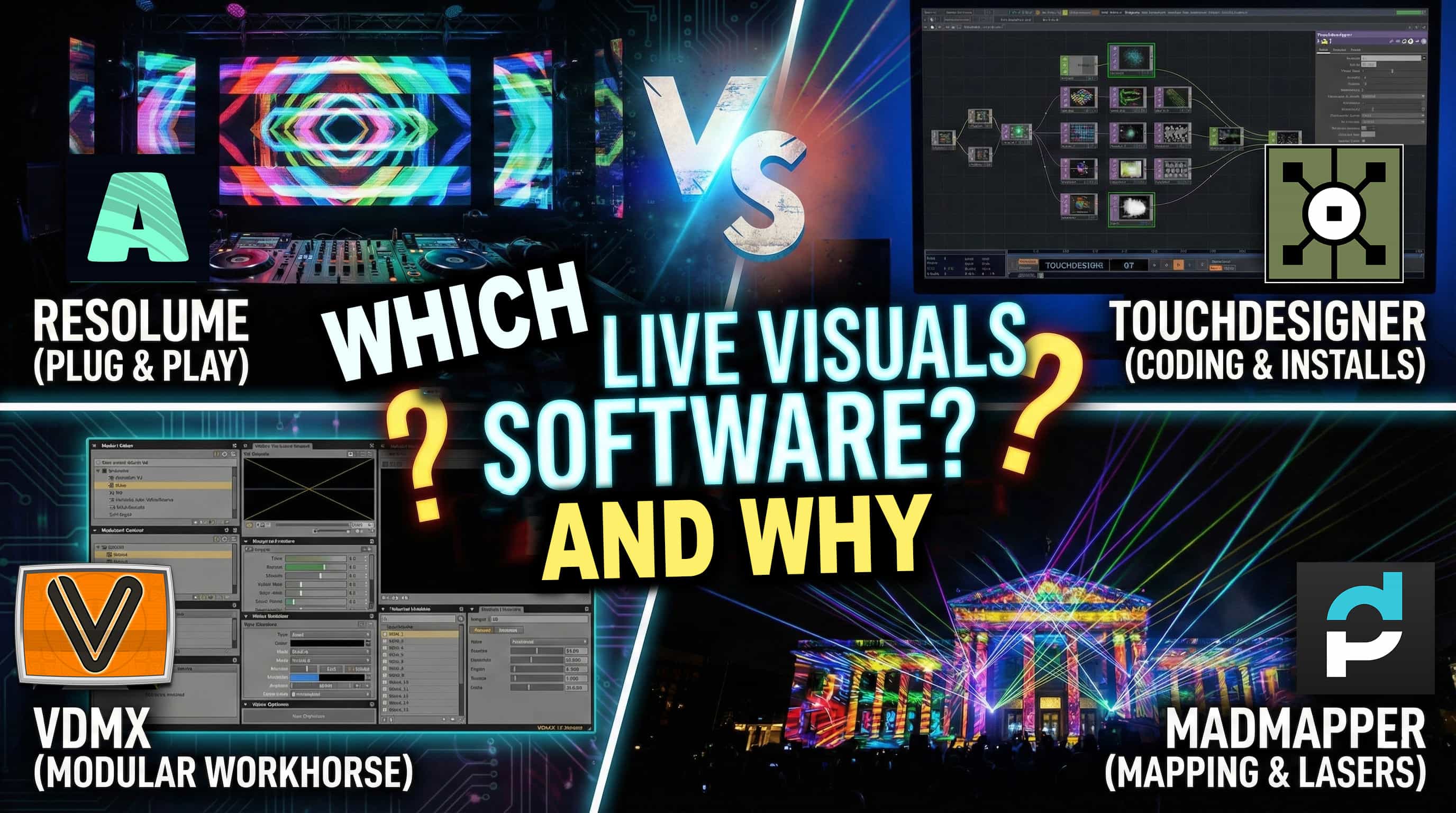
Resolume vs. VDMX vs. MadMapper vs. TouchDesigner Which Live Visuals Software and Why?

Hey, how’s it going? This is a post I’ve been thinking about making for a long time. There is a constant debate over “which software is the best,” and honestly, I think it comes down Read more

Reba Meyers Tour Live
Projected Objects

Collaboration with Reba Meyers Tech25

TLDR: Watch the video, sign up for Tech25’s email list and keep posted for more info on future artist residency programs. What is Tech25? (A training place for people interested in running live events). Recently Read more

LED pixel Mapping Pittsburgh, ProjectileObjects Madmapper Light art
Projected Objects

Reflecting on an Incredible LED Pixel Mapping Workshop at Tech25 Pittsburgh

Teaching the recent LED pixel mapping workshop at Tech25 in Pittsburgh was an absolute thrill. Over two packed days, we dove deep into the fascinating world of LED pixel mapping, exploring both the technical foundations Read more

Follow this site to stay up to date!

[jetpack_subscription_form show_subscribers_total="false" button_on_newline="true" custom_font_size="12px" custom_border_radius="14" custom_border_weight="5" custom_padding="15" custom_spacing="10" submit_button_classes="has-12-px-font-size" email_field_classes="has-12-px-font-size" show_only_email_and_button="true"]

Contact Us:

  • Contact us
  • Instagram
  • YouTube

  • Home
  • About
  • Portfolio
  • BLOG // Tutorials & Thoughts
Hestia | Developed by ThemeIsle